
Custom Bag Artwork Files: Scale, Placement and Production Approval
Prepare bag artwork with actual-size dimensions, panel placement, correct file assets and an approved production revision. A mockup helps communication but is not the final print file.
Supply bag artwork with final dimensions, placement references, usable source assets and a clearly identified revision, then approve the result on the intended material. A presentation mockup does not establish print scale, colour or production readiness. Confirm file requirements with the actual decoration supplier before authorising output.
An independent brand may have a polished design image yet still lack the information needed to print or embroider it accurately. The gap is usually not more inspiration; it is a controlled production handover. This guide focuses on artwork preparation and approval rather than choosing between screen printing, transfer and embroidery. It does not impose one file format or resolution on every method.
1. Separate the mockup from the production file
Use a mockup to show the overall design intention, but provide the actual artwork as a separate identified asset. A logo copied from a screenshot can lose detail or contain an unwanted background. State which file is a visual reference and which is intended for production. Keep the approved bag drawing available so the decoration team sees the real panel geometry.
A photograph of a printed bag does not reveal the original artwork size or how the graphic was positioned before assembly. If a supplier needs to recreate or clean a file, agree the task and charges before work begins. Do not assume that a designer's flattened presentation image can be expanded without changing its appearance or that redrawing is automatically included in the bag quotation.
2. Define dimensions in a real measurement unit
State the final artwork width and height, including the unit, and identify whether those measurements describe the entire graphic or a particular logo element. Confirm the orientation and whether proportions must remain locked. Avoid instructions such as make it bigger without a revised measurement. Pixel dimensions alone do not tell the team how large an image should appear on the bag.
For raster artwork, ask whether the available image detail is suitable at the final output size. For vector artwork, confirm that the file actually contains usable paths rather than a small embedded bitmap. There is no universal resolution number for every substrate and process. Obtain the decorator's requirements and check the resulting physical proof instead of copying a generic online specification.
3. Position the artwork from identifiable panel features
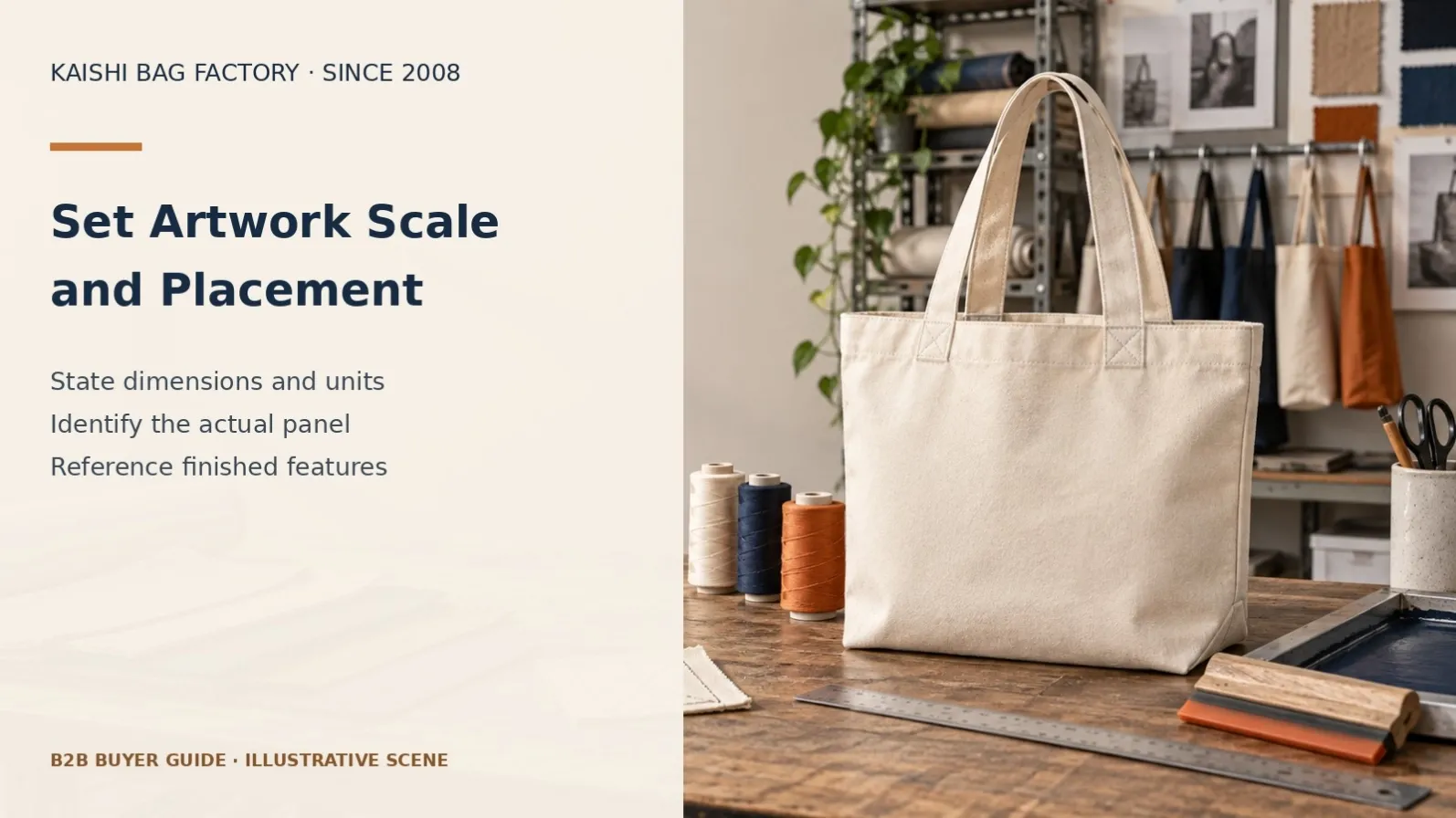
Measure placement from agreed edges, seam lines or the centre of a defined panel. State whether the reference is the cut panel or finished bag. A design centred on a flat cut piece may appear different after folding, joining or adding a gusset. Keep critical wording and logos away from areas that will be hidden or distorted by assembly unless that effect is intended.
For multi-panel prints, identify each panel and its orientation separately. Clarify whether continuity across seams is required or whether the panels are independent compositions. Review the actual construction before promising perfect continuity around a three-dimensional bag. If a placement change is made after sampling, issue a new version rather than relying on a chat annotation that the printer may never receive.
4. Prepare type, colours and linked assets
Confirm the exact spelling, punctuation and authorised font treatment. Ask the recipient whether fonts need to be supplied, embedded or converted to outlines, and preserve an editable source copy for the brand. Check that linked images are available and that no temporary guide, low-resolution preview or missing asset appears in the production export. Name files clearly enough to identify the product and revision.
State the colour reference system and approve colour on the actual material. Paper, cloth, coating and embroidery thread do not reproduce every screen colour identically. Avery's artwork guidance illustrates how a print provider defines accepted files, colour handling and proofs; those details are provider-specific and should not be presented as universal Kaishi settings. Confirm the requirements of the actual selected process.
5. Confirm bleed and safe areas with the supplier
Where an image must reach a cut edge, ask the supplier how much extra artwork and safe space its production route needs. Adobe explains bleed as artwork extending beyond the trimmed area. A bag panel adds its own cutting and seam relationship, so a paper-print example cannot set the required allowance for every bag. Use the actual panel template and revision.
Keep technical guides distinguishable from printable content. Identify cutting lines, seam references and any non-printing notes as instructed by the recipient. Do not add arbitrary crop marks to every file or copy a label template onto a fabric panel. Confirm how the decorator wants registration and panel boundaries communicated, then verify that the final export follows that agreed structure.
| File field | Buyer input | Approval check |
|---|---|---|
| Identity | Style, panel and revision | One current release file? |
| Dimensions | Final width, height and unit | Actual intended output size? |
| Placement | Reference edges and orientation | Cut panel or finished-bag reference? |
| Assets | Artwork, fonts and linked images | All required elements available? |
| Colour | Reference and physical proof | Actual substrate approved? |
| Production boundaries | Supplier template and safe area | Guides excluded from output? |
| Release | Decision owner and approval date | Superseded files clearly archived? |
6. Approve a proof that answers the right questions
A digital proof can help check wording, size and placement, but it cannot fully approve material texture, hand feel or physical colour. Identify which decisions it covers. Request the agreed physical decoration sample on the proposed substrate when those properties matter. If temporary materials are used, record them clearly and identify the later approval needed before production.
Review the graphic after the relevant bag assembly stage as well as on a flat panel when placement or distortion may change. Check small letters, edge detail, seams and intended orientation. Record accepted details and open points together. A physical proof is not an unlimited guarantee of durability; any performance evidence needs an appropriate separate scope, sample identity and acceptance requirement.
7. Release one revision and archive the others
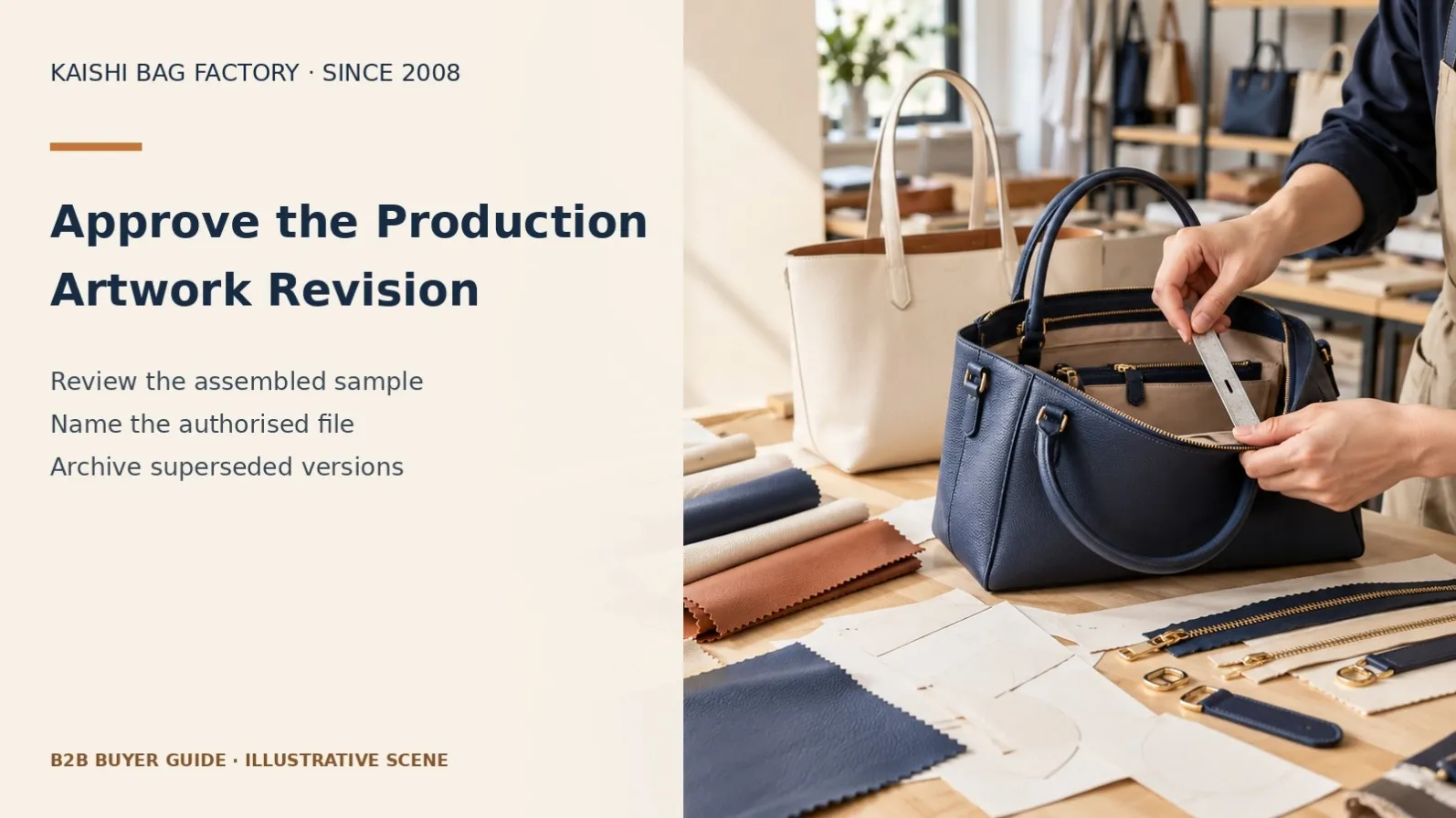
Use a release record linking the bag style, artwork filename, panel template, colour references and approval date. Identify who is authorised to approve output. Mark older versions as superseded and avoid sending several similarly named final files without explanation. A supplier should not have to guess whether final-new or final-new-2 represents the current production instruction.
If artwork changes after sample approval, review its effects on preparation, decoration, materials, cost and timing before authorisation. Confirm which stock or work in progress is affected. Retain the original source and approved export so reorders can be checked against the correct baseline. A repeat order should not silently reuse an obsolete logo simply because it exists in an old folder.
8. Confirm rights and confidentiality before sharing
Use artwork that the brand owns or has permission to reproduce, including images, fonts and decorative elements where relevant. A reference collected online is not automatically a production asset. State any use restrictions when sharing it. Keep the task focused on original development rather than asking a manufacturer to reproduce another brand's protected identity.
If confidential material needs protection, discuss appropriate terms before disclosure. Do not treat a watermark, a file transfer or payment as a substitute for agreed rights and confidentiality arrangements. For a hypothetical launch, a buyer can share a low-detail concept first and release production artwork once the scope is clear. This is a workflow example, not a claim about a specific client or an absolute Kaishi confidentiality guarantee.
Frequently asked questions
Can I send only a logo screenshot?
It can explain the idea, but may not be suitable for production. Send the best authorised source file and ask what preparation is needed. Confirm any redrawing or clean-up work before assuming it is included.
Is a PDF always production-ready?
No. A PDF can contain missing assets, unsuitable image detail or the wrong dimensions. The contents and export settings must match the supplier's requirements; the file extension alone does not establish readiness.
Should all artwork use the same resolution?
No single number suits every process and final size. Ask the decorator about its requirements and review the actual proposed output. Do not confuse pixel count with an approved physical dimension.
Does a digital proof approve colour?
It can support communication, but screens and materials differ. Identify what the proof approves and use an agreed physical reference on the intended substrate when colour is a critical buying decision.
Can I change artwork after approving the sample?
Request a documented change review. Revised artwork can affect preparation, material use, cost and timing. Release a new authorised version and confirm which work is affected before production continues.
What should I include in the first artwork handover?
Send the authorised artwork, final size, placement drawing, panel identity, colour references, bag revision and intended method. Identify open decisions and name the person who can approve the production release.
What are Kaishi’s order and payment terms?
Kaishi Bag Factory is based in Baigou, China, and has worked in OEM/ODM since 2008. Standard MOQ is usually 300 pieces per style. A 200-piece first order may be assessed individually without a guarantee; 100 pieces is usually not feasible. Mixed styles and repeat orders do not automatically qualify for reduced minimums. Samples are paid upfront and non-refundable. Any agreed bulk-order credit must appear in your written quotation; do not assume that every project qualifies. Payment is T/T only, normally 50% deposit and 50% before shipment. Timing depends on design, materials, sample confirmation and quantity.
Related buyer guides
Use the decoration-method guide, physical colour approval guide and tech-pack revision guide to keep the artwork handover aligned with the product.
Sources and project enquiry
References checked on 20 October 2026: Avery artwork requirements and Adobe printer marks and bleed guidance. Provider examples describe their own processes; they are not universal bag-production settings. These limited references support general principles; the buyer checklists are suggested procurement practices. No named supplier, equipment, certification or guaranteed performance is implied for Kaishi. Recheck relevant sources before February 2027 publication.
Contact Kaishi Bag Factory with your specification, expected quantities and destination market. Email donna@Kaishibagfactory.com or message Donna on WhatsApp to review the project scope before commissioning samples.